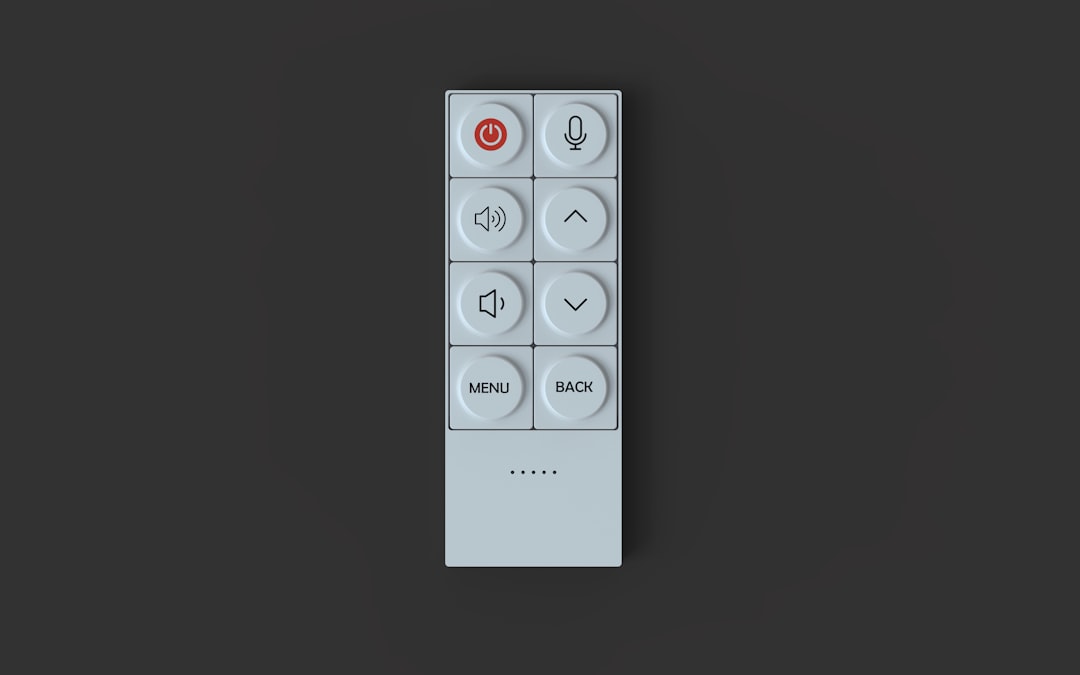
Garage Door Opener Remote Programming in Phoenix: Fix Connectivity Issues and Sync Your Devices
Garage Door Opener Remote Programming in Phoenix: Fix Connectivity Issues and Sync Your Devices
Your garage door remote stops working, and suddenly you’re stuck outside in 110-degree heat. Whether you’re trying to program a new remote, sync your smartphone, or fix a WiFi connection that keeps dropping, Phoenix homeowners face unique challenges that make garage door opener programming more complicated than the manual suggests.
Why Phoenix Homeowners Deal with Remote Programming Problems
Garage door opener remotes and smart devices work differently in Phoenix than they do in other climates. The combination of extreme heat, dust storms, and intense UV exposure affects electronic components in ways most troubleshooting guides never mention.
When temperatures climb past 110 degrees, the circuit boards inside your garage door opener motor unit can overheat. This causes intermittent WiFi disconnections, erratic remote behavior, and failed programming attempts. Add in the fine dust that blows in during monsoon season, and you’ve got a recipe for frustration.
Common Phoenix-Specific Programming Challenges
- WiFi signal degradation from stucco walls and metal garage doors blocking signals
- Heat damage to remote batteries reducing range and reliability
- Dust accumulation on opener circuit boards causing connection failures
- Power surges during monsoon storms corrupting programmed settings
- UV damage to remote housing affecting button contacts
How to Program Your Garage Door Remote: Step-by-Step
Most modern garage door openers use a “learn” button system that syncs remotes in under 30 seconds. Here’s the standard process that works for Chamberlain, LiftMaster, Genie, and most other brands:
Standard Remote Programming Process
First, locate the “Learn” button on your garage door opener motor unit. It’s usually a small button (often yellow, purple, or orange) near the wire antenna or light socket. You may need a ladder to reach it safely.
Press and release the Learn button. A light will blink, indicating the opener is in programming mode for 30 seconds. Within that window, press and hold the button on your remote you want to program. Hold it until the opener light blinks or clicks, confirming the sync.
Test the remote to verify it works. If the door responds, you’re done. If not, repeat the process. Phoenix tip: do this in the morning when temperatures are cooler and the opener’s circuit board is less likely to be heat-stressed.
Fixing WiFi and Smart Garage Connectivity Issues
Smart garage door openers offer convenience, but they’re notorious for going offline. In Phoenix, this happens more frequently due to several local factors.
Why Your Smart Garage Goes Offline
Heat is the primary culprit. When your garage reaches 130+ degrees in summer, the WiFi radio in your opener struggles to maintain a stable connection. The metal in your garage door and the thick stucco walls common in Phoenix homes also block WiFi signals more effectively than wood-frame construction.
Dust storms introduce fine particles that settle on connections and circuit boards. Even if you can’t see it, this dust interferes with the delicate electronics that keep your smart opener connected to your home network.
Troubleshooting WiFi Connection Problems
Start by checking your WiFi router location. If it’s on the opposite side of your house from the garage, the signal may not be strong enough. Consider adding a WiFi extender or mesh network node closer to the garage.
Next, verify your opener is actually connected to the correct network. After power outages—which happen frequently during monsoon season—some openers revert to setup mode and need to be reconnected to your home network through the manufacturer’s app.
If your opener shows as offline in the app but works with the wall button and remotes, try power cycling the unit. Unplug it for 30 seconds, then plug it back in. This resets the WiFi module without erasing your programmed remotes.
When to Reprogram vs. Replace
Not every programming problem requires a service call. Some issues have simple fixes, while others signal that it’s time for replacement.
Quick Fixes Worth Trying First
- Replace remote batteries (Phoenix heat kills batteries faster)
- Clear all codes and reprogram from scratch
- Check for LED light interference (some bulbs emit RF noise)
- Verify your WiFi network name hasn’t changed
- Clean the photo eye sensors with a dry cloth
Signs You Need Professional Help
If remotes work inconsistently regardless of distance from the door, or if your smart opener won’t stay connected despite strong WiFi signal, the receiver board in your opener may be damaged. This is common in older units that have survived multiple Phoenix summers.
Physical damage to the motor unit—visible rust, corroded connections, or burnt plastic smells—indicates heat damage that no amount of reprogramming will fix. In these cases, upgrading to a newer opener with better heat resistance makes more sense than repeated service calls.
Programming Universal Remotes and Keypads
Universal remotes work with most garage door openers but require a different programming approach. Instead of using your opener’s Learn button, you’ll need to find the correct frequency and coding system for your brand.
Most Phoenix homes use 315 MHz or 390 MHz systems. Check your original remote or opener manual to confirm the frequency. Universal remotes have dip switches or rolling code programming that must match your system.
Wireless keypads follow a similar process. After pressing the Learn button on your opener, enter your desired PIN on the keypad and press enter. The opener will confirm with a light blink or click. In Phoenix, mount keypads on the shaded side of your garage if possible—direct sun exposure can cause them to malfunction in summer.
FAQ
Why does my garage door remote only work when I’m close to the door?
Limited range usually indicates a weak battery or interference. Phoenix heat drains batteries faster than normal, so start by replacing it. If that doesn’t help, LED lights near your garage door opener can emit RF interference. Try turning them off to see if range improves.
How many remotes can I program to one garage door opener?
Most modern openers support 6-8 remotes, keypads, and smart devices combined. Older models may have lower limits. If you’re hitting the maximum, clear unused codes before adding new devices.
Will power outages erase my programmed remotes?
Brief outages typically don’t affect programmed remotes. However, extended outages or power surges during monsoon storms can corrupt the opener’s memory. Smart openers that lose power often need to be reconnected to WiFi, but remotes usually stay programmed.
Can I program my car’s built-in garage door buttons in Phoenix?
Yes, and it’s often more reliable than remotes in extreme heat. Use your car’s homelink system and follow the pairing instructions. You’ll still need to press the Learn button on your opener as part of the process.
Why does my smart garage app say “offline” but the door still works?
The opener’s WiFi module has likely disconnected from your network while the receiver for remotes and keypads continues working. Power cycling the opener usually fixes this. If it happens repeatedly, your opener’s WiFi hardware may be failing due to heat exposure.
Professional Garage Door Help in Phoenix
Programming issues often have simple fixes, but when your opener won’t cooperate despite following every step in the manual, professional help saves time and frustration. Phoenix garage door technicians understand the local challenges—heat damage, dust infiltration, and the toll that daily temperature swings take on electronic components.
Great Doors and Gates serves Phoenix homeowners with same-day service for garage door opener problems. Whether you need remotes programmed, WiFi connectivity restored, or an upgrade to a newer system better suited for desert conditions, local expertise makes the difference. A professional can also assess whether your current opener is worth repairing or if heat damage has reached the point where replacement is more cost-effective.